
A good printable weekly planner is a single sheet, usually A4, where you can see all seven days at a glance and note down appointments, tasks, meals and spending. To choose a good one, look at three things: the format should suit the way you organize yourself (by day or by area), it should have only the sections you will actually fill in, and it should print clearly on your printer. To use it, all you need is about 15 minutes a week to fill it in and a quick look at it each morning.
It sounds simple, and it is, but plenty of people download a gorgeous weekly planner in PDF, print it out full of enthusiasm and have stopped touching it by the third week. It is rarely a lack of willpower: it usually happens because the template does not fit their real week, or because there is no fixed time to sit down with it.
In this article you will see what types of printable weekly planner exist, how to tell which one suits you, how to print it without surprises and a simple routine so it does not end up forgotten in a drawer.
What a weekly planner is and what it is for
A weekly planner is a template that divides the week into blocks so you can see everything ahead of you without opening several apps or hunting through scattered notes. Unlike a daily diary, it makes you look at the whole week, which helps you spot overloaded days before they arrive.
These are the most common uses at home:
- Appointments and schedules: doctor, school meetings, after-school activities, work shifts.
- Household tasks: laundry, cleaning by area, errands, paperwork.
- Meals: the week's menu and what is still left to buy.
- Money: payments due that week and a small spending log.
- Habits: drinking water, going for a walk, reading for a while, whatever you want to keep up.
You do not have to use it for everything. In fact, the more specific its purpose, the easier it is to keep up.
How to choose a printable weekly planner
Before downloading the first model you come across, think about what your week looks like. Someone with fixed office hours does not need the same thing as someone with rotating shifts or three children and all their activities.

Vertical or horizontal format
The vertical format usually puts the days in columns, with room to write from top to bottom. It works well if you jot down short lists for each day. The horizontal one lays the days out in rows and gives you more width for longer sentences or for splitting each day into morning, afternoon and evening.
By day or by area
Some templates are organized by days only, while others combine days with themed blocks: tasks, meals, spending, notes. If you run a home and a job at the same time, the by-area format stops everything from getting mixed together.
Which sections you really need
A template with ten different boxes looks very thorough, but if you leave half of them blank every week it will end up making you feel like you are failing. Start with the basics and add sections only when you miss them.
| Type of planner | Who it suits | Usual sections |
|---|---|---|
| Basic weekly | Beginners or anyone with a simple week | Seven days and a notes box |
| Weekly with hours | Shifts, frequent appointments, studying | Days with time slots |
| Family weekly | Households with several people and activities | Days, tasks per person, menu |
| Weekly with finances | Anyone who wants to keep track of spending | Days, payments for the week, spending |
| Weekly with habits | Anyone who wants to build routines | Days and boxes to tick off habits |
If what you find hardest is organizing meals, it may be worth using a separate sheet, like the one we explain in the article on the weekly meal planner, and keeping the weekly planner for appointments and tasks.
If you would rather not depend on a printer, or you want something more durable than a loose sheet, there are also ready-bound paper options that you fill in the same way each week.
Weekly planner in PDF, editable or blank
When you search for a printable weekly planner in PDF, you come across three main variants. It helps to know what each one offers:
- Blank PDF: you print it as it is and fill it in by hand. It is the most convenient option and the one that best preserves the design on any printer.
- Fillable PDF: it has fields where you can type on your computer or phone before printing. Useful if you want your fixed appointments to come out already printed.
- Editable template in a spreadsheet or word processor: you can change columns, colors and sections. It gives you more freedom, but the layout sometimes shifts when you print.
A practical trick is to fill in digitally only what repeats every week (work schedule, after-school activities, shopping day) and leave the rest to write by hand. That way you are not copying the same thing over and over.
If you use your phone for everything, in the Canvartin: Agenda & Appointments app you can print the planner on A4, either blank or already filled in with the appointments and tasks you have saved; the filled-in version is a Premium feature, although you can also unlock it as a reward within the app.
How to print your printable weekly planner without surprises
Printing seems like the easy part, but this is where many templates come out cut off or with tiny text. Follow these steps:
- Choose the right paper size. Most templates are designed for A4. If you want something more manageable, you can print on A5 by scaling down to 70%. In the article on types and sizes of paper for printing at home you will find more details about paper weights.
- Select the "fit to page" option or "actual size", depending on what the template says, so the margins are not cut off.
- Use slightly thicker paper if you are going to write with markers: paper of 90 to 100 grams stops the ink from bleeding through.
- Print a test copy in draft mode before printing several weeks. That way you can check that the text is easy to read.
- If you are printing several weeks, make use of both sides. The guide to printing double-sided at home without making mistakes will help.
If you have the file on your phone and do not want to transfer it to your computer, you can follow the steps in how to print from your phone. And if you like having the whole quarter together, print thirteen weeks and join them using the ideas for binding loose sheets at home without a machine.
Organizing the week on paper already clears a fair amount of noise from your head, and setting aside time to switch off completely as well helps keep planning from becoming another source of pressure.
How to use the planner every week: a 15-minute routine
The key is not the template, but having a fixed time to fill it in. Sunday afternoon or first thing on Monday works well for most people. Here is a simple routine:
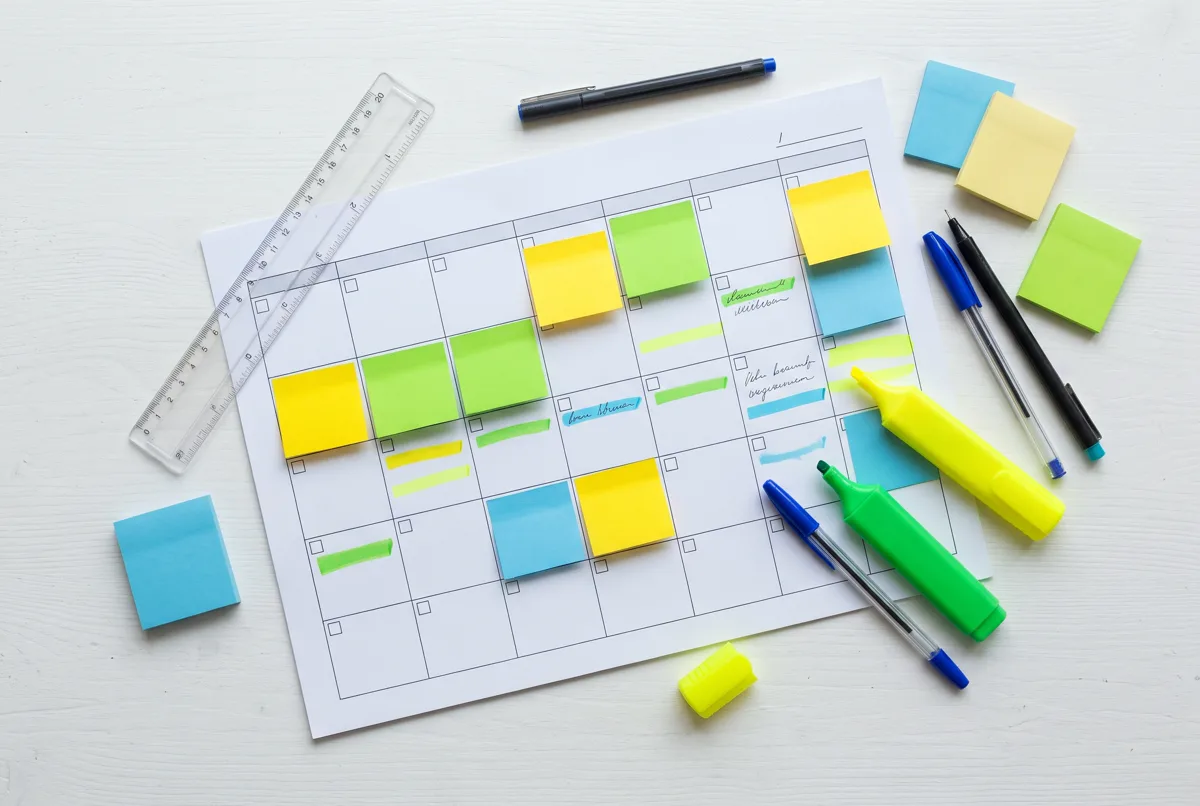
- Review the previous week (3 minutes). Look at what was left undone and decide whether to carry it over to this week, delegate it or cross it out.
- Write down the fixed items (3 minutes). Appointments, work schedules, the children's activities, payments that fall due.
- Choose three priorities (2 minutes). The most important things of the week, not the most urgent. Write them at the top, nice and visible.
- Spread out the tasks (4 minutes). Put each task on a specific day. Avoid putting more than three or four extra tasks on a working day.
- Check meals and shopping (3 minutes). Note which dinners are coming up and what is missing at home.
After that, spend a minute each morning looking at the day. In the evening, cross off what is done and move what is pending. That act of crossing things off is small, but it helps you see what you have achieved.
Where to put it so you do not forget it
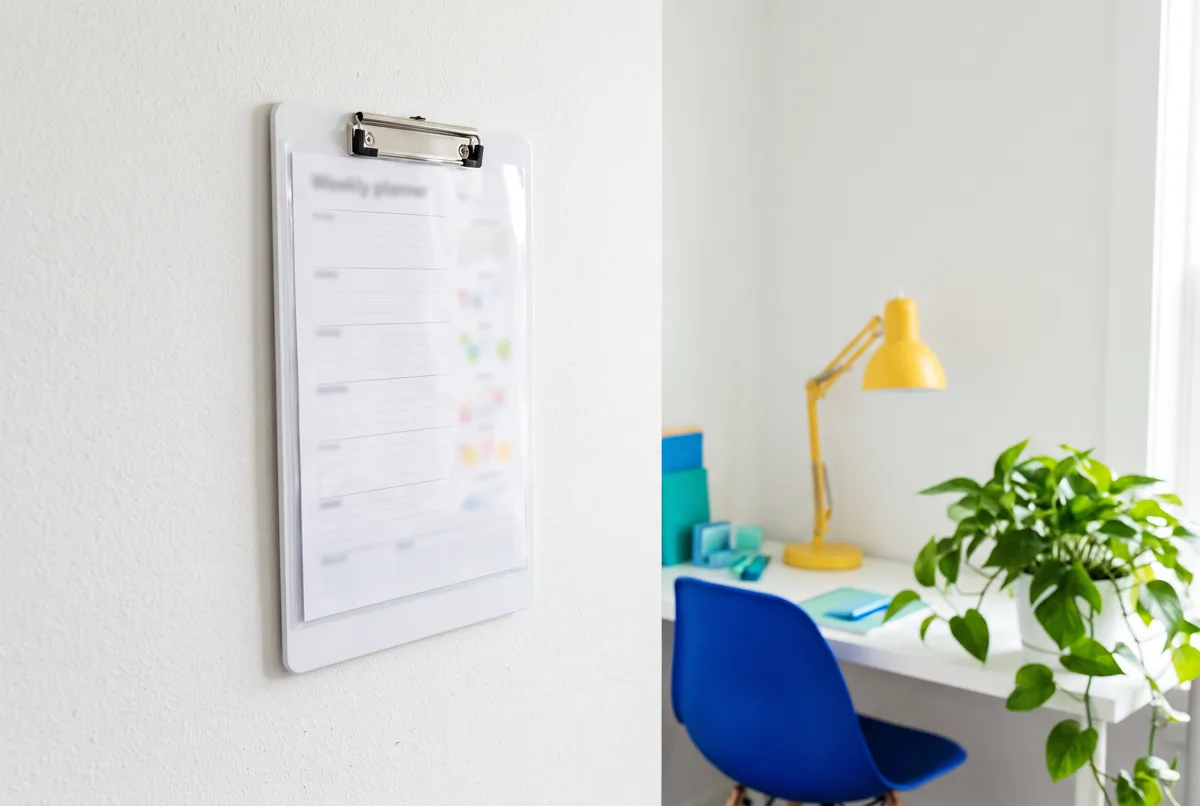
A planner you cannot see does not exist. Put it on the fridge with a magnet, on a cork board by the front door or inside a folder you open every day. If there are several of you at home, a shared spot means everyone knows what is happening without having to ask.
Example of a filled-in week
To give you an idea, here is how a real week might look in a basic weekly planner with a notes section:
- Monday: wash the towels, call the insurance company, dinner: vegetable cream soup.
- Tuesday: dentist at 5:30 pm, the children's swimming lesson, pay the electricity bill.
- Wednesday: big grocery shop, dinner: Spanish omelette and salad.
- Thursday: clean the bathrooms, school meeting at 6:00 pm.
- Friday: sort out the week's papers, dinner out.
- Weekend: change the bed sheets, cook two dishes for Monday and Tuesday, prepare next week's planner.
- Priorities: renew the insurance, close the month's budget, go for a walk three days.
Notice that each day has only a few items and that Friday is left almost free. Leaving a gap unplanned gives you room for the unexpected.
Common mistakes and how to avoid them
- Trying to write everything down. The planner is for what matters, not for every little thing you do in the day.
- Choosing for looks rather than use. A pretty template that does not fit your week ends up abandoned.
- Not having a fixed time. If you fill it in "when you can", chances are you will not do it.
- Changing templates every week. Give a format at least a month before deciding whether it works for you.
- Feeling bad about what you did not do. Moving tasks to the following week is part of the process, not a failure.
Frequently asked questions
What size is best for a printable weekly planner?
A4 is the most practical because it leaves room to write and works on any printer. If you want to carry it in your bag, print on A5 by reducing the scale.
Is a PDF or an editable weekly planner better?
The PDF keeps the design better and is easier to print. The editable one lets you customize it, but it is worth doing a test print first to check that the layout does not shift.
Which day is best for filling in the planner?
Sunday afternoon or early Monday usually works well. The important thing is that it is always the same day so it becomes a habit.
Can I use the same planner for the whole family?
Yes. Use one color per person or one column for each, and put it somewhere visible, such as the fridge.
How many weeks should I print at once?
A month is a good amount to start with. If after four weeks you are happy with the format, you can print a quarter and bind it.