For printing at home, almost everything you need comes down to two sizes and one number: A4 (210 x 297 mm) for documents, lists and planners; A5 (148 x 210 mm) for small diaries, booklets and notes; and a paper weight of 80 g/m² for everyday use, which you'll raise to 100-120 g/m² if you want sturdier sheets, or to 160-250 g/m² if you're after something closer to card stock.
Once that's clear, the rest is a matter of choosing well for what you're going to do. Printing a shopping list that will end up crumpled at the bottom of your bag is not the same as printing a monthly planner you'll write in daily for weeks, or a photo to frame.
In this article we go over the most common paper sizes for printing, the types of printer paper that make sense at home, and how to find out what your printer can handle, so you don't overspend or end up with a paper jam.
Most common paper sizes for printing
In Spain, as in almost all of Europe, the A series of the ISO 216 standard is used. Its neat trick is that each size is exactly half of the previous one: fold an A4 in half and you get two A5s; fold an A5 and you get two A6s. That's why it's so easy to make booklets or print two pages on a single sheet.
| Size | Dimensions | What it's used for at home |
|---|---|---|
| A3 | 297 x 420 mm | Wall calendars, posters, large prints |
| A4 | 210 x 297 mm | Documents, planners, weekly menus, templates |
| A5 | 148 x 210 mm | Diaries, notebooks, booklets, recipes |
| A6 | 105 x 148 mm | Postcards, cards, large labels |
| Letter | 216 x 279 mm | Templates downloaded from US websites |
Watch out for US Letter size
Many templates you find online come in US Letter size, which is slightly wider and shorter than A4. If you print one as it is on A4 paper, you may get odd margins or a piece may be cut off. The fix is simple: in the print options, select "Fit to page" or "Fit to printable area".
Most home printers go up to A4
Home printers usually handle A4, A5, A6 and US Letter. A3 needs a specific printer, so if you want something big, the most practical option is to take it to a copy shop or print the image on several A4 sheets and join them together.
A4 or A5: when each one makes sense
This is the most common question when it comes to paper sizes for printing, especially if you're trying to get organised on paper. Neither is better than the other: it depends on where you'll use the sheet and how much you'll write.
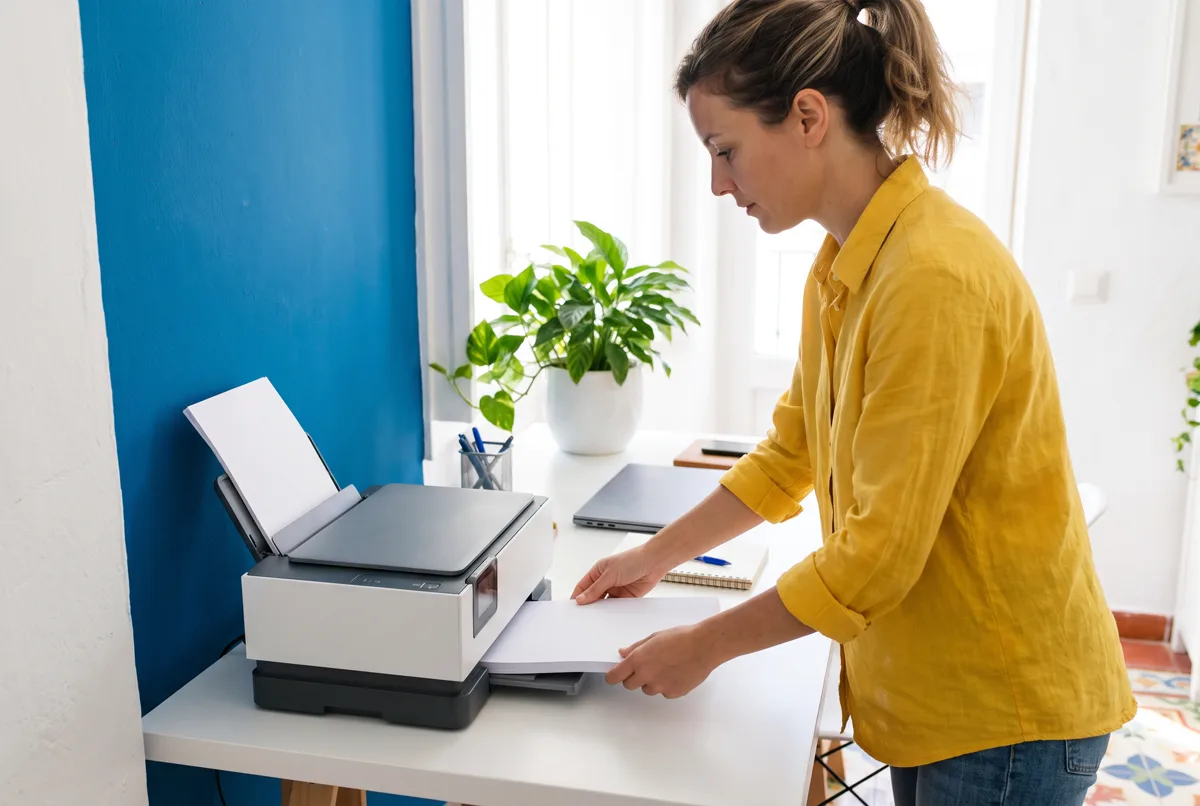
Choose A4 if...
- You'll leave the sheet in one place: on the fridge, on a corkboard or in a folder on your desk.
- You need room to write a lot, such as a weekly menu with a shopping list or a budget with several columns.
- You want the whole family to see it, for example a chore chart.
- You'd rather keep things simple: it's the default size on any printer.
Choose A5 if...
- You'll carry it in your bag or want to put it in a ring-bound diary.
- You like the notebook format and write a little but often.
- You want to make a booklet: two A5 pages fit on an A4 sheet folded in half.
A useful trick: you don't need to buy A5 paper. You can print two pages per sheet on A4 and cut it in half, or fold it to make a little booklet. If you feel like trying, in this guide we explain how to print a PDF as a book or booklet at home step by step.
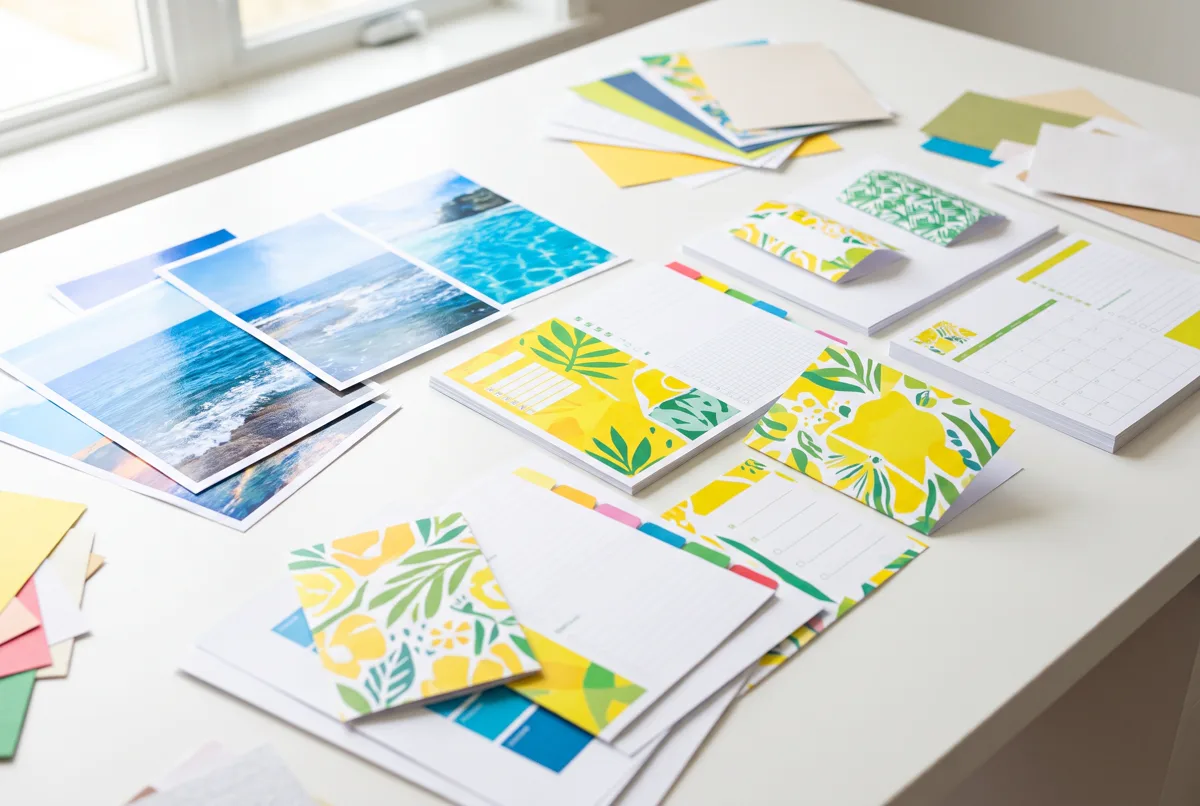
If your plan is to print planners, A4 is usually the most comfortable starting point because you can see everything at a glance. For example, with the Canvartin: Planner and Appointments app you can print planners on A4 sheets straight from your phone, blank or already filled in with your tasks and appointments.
What paper weight is and which one to choose
Paper weight indicates how much one square metre of that paper weighs, and it's expressed in g/m² (grams per square metre, often called gsm). The higher it is, the thicker and stiffer the paper. It's the number that most changes how a sheet feels in your hand, and also the one that most affects whether your printer can handle it.
| Paper weight | What it's like | Recommended use |
|---|---|---|
| 70-80 g/m² | Standard office paper | Documents, lists, drafts, everyday use |
| 90-100 g/m² | Slightly thicker and more opaque | Planners, double-sided printing |
| 120 g/m² | Firm, you can feel the quality | Covers, menus, templates you'll use a lot |
| 160-200 g/m² | Thin card stock | Cards, invitations, dividers |
| 220-300 g/m² | Thick card stock | Postcards, crafts, little boxes |
Paper weight and double-sided printing
With 80 g/m² paper, what's on the other side sometimes shows through, especially if you print dark areas or write with a marker. If you're going to print double-sided, 90 or 100 g/m² paper gives a much cleaner result and barely adds to the price of the pack.
A quick rule so you never have to doubt
- If you'll throw it away in a few days: 80 g/m².
- If you'll use it for weeks or write on it with a marker: 100-120 g/m².
- If it has to stand up on its own or survive children's hands: 200 g/m² or more.
Types of paper for printing at home
Besides size and paper weight, the finish makes a big difference to the result. These are the types of printer paper most commonly used in a home:
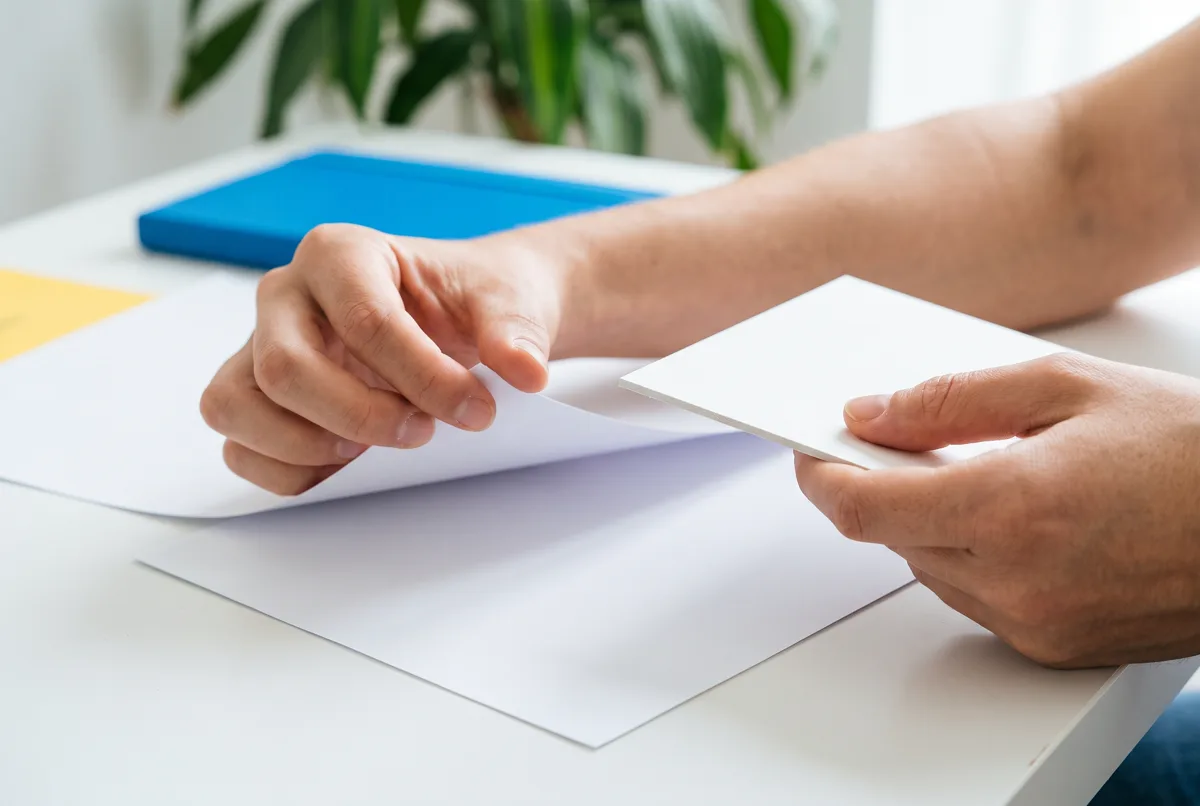
- Plain or offset paper: the classic sheet of paper. White, matte and cheap. It works for almost everything.
- Recycled paper: a slightly greyer or cream tone. It works well in most printers and is a good option for drafts and internal documents.
- Glossy photo paper: intense colours and the look of a developed photo. It shows fingerprints easily.
- Matte photo paper: no glare, ideal for framed photos or decorative prints.
- White or coloured card stock: for cards, crafts, carnival masks or pantry labels.
- Adhesive paper: for stickers and labels. It's sold in A4 sheets, with or without pre-cut shapes. If you're interested, here's how to make your own stickers with adhesive paper.
Paper for inkjet or for laser printers
Plain paper works for both types of printer. But photo paper, adhesive paper and some coated card stocks are designed for one or the other. Always check the pack: if it says "inkjet" it's for inkjet printers; if it says "laser", it's for laser printers. Using inkjet photo paper in a laser printer can melt the coating and damage the machine.
Choosing the right paper is a bit of a small ritual: trying, comparing, seeing how it turns out. And if after all that margin tweaking you feel like switching off for a while with something that doesn't require thinking, taking that breather is perfectly fine too.
How to find out what paper your printer accepts
Before buying a pack of card stock or photo paper, it's worth checking what your printer accepts. That way you avoid paper jams and wasted sheets.
- Look for the manual or the spec sheet. If you don't have the paper copy, search for it by the exact model, which is usually on a sticker on the back or under the lid.
- Find the "Media" or "Supported paper" section. That's where you'll see the maximum paper weight and the compatible sizes.
- Check whether there's a rear tray or manual feed. Many printers accept thicker paper through that slot than through the main tray, because the paper path is straighter.
- Test with a single sheet. Before loading ten sheets of card stock, put one in and check that it goes in and comes out without any problem.
As a rough guide, many home inkjet printers work comfortably up to about 200-250 g/m², but it varies a lot from one model to another. If you're not sure, start with a mid-range paper weight.
How to set up printing according to the paper
A common mistake is loading photo paper or card stock and leaving the setting on "plain paper". The printer lays down ink as if it were an ordinary sheet, and the result comes out smudged or with dull colours. These steps will help you get it right:
- Open the document and go to Print.
- Under Paper size, choose the one you've loaded: A4, A5, A6...
- Under Paper type or Media, indicate whether it's plain, glossy photo, matte or card stock (sometimes it appears as "thick paper").
- Adjust the quality: draft for lists, normal for documents and high for photos.
- Check the scale: "Actual size" if you want exact measurements, or "Fit to page" if the template comes in another format.
- If you're printing from your phone, look for these same options in the print menu. We cover it in detail in how to print from your phone step by step.
Tips to save paper and ink
- Print two pages per sheet when the text allows it.
- Use draft mode for anything that isn't going to last.
- Save the good paper for what you'll really keep.
- Store paper in its packaging and lying flat: humidity makes it wavy and causes jams.
What paper to use for each job: a practical summary
So you don't have to go back over everything, here's a quick cheat sheet with combinations that work at home:
- Shopping list and quick notes: A4 or A5, 80 g/m², draft mode.
- Weekly or monthly planner: A4, 100-120 g/m², normal quality.
- Ring-bound diary or booklet: A5 (or folded A4), 90-100 g/m², double-sided.
- Recipes for the kitchen: A5, 120 g/m² or more, so they withstand splashes and handling.
- Photos to frame: matte or glossy photo paper, high quality.
- Cards and invitations: A6 or cut-down A4, 200-250 g/m² card stock.
- Labels for jars: A4 adhesive paper.
If you'd rather not print and want something more durable, Canvartin paper planners, handmade in Spain, are another option for anyone who uses the same diary all year round.
Frequently asked questions
What are the dimensions of an A4 sheet?
It measures 210 x 297 mm. It's the standard size for home printers in Spain.
Can I print on A5 if I only have A4 paper?
Yes. Print two pages per sheet on A4 and cut it in half, or fold it to make a booklet.
What paper weight is standard printer paper?
The usual weight is 80 g/m². Some budget packs are 70 g/m² and show through a little more.
What paper is best for printing planners?
A4 at 100 to 120 g/m² works very well: it doesn't show through when you write with a marker and it withstands weeks of use.
Can I put card stock in any printer?
Not in all of them. Check the maximum paper weight in the manual and, if yours has a rear tray, use it for thick paper.
Why do my photos come out dull on photo paper?
Most likely the setting is still on "plain paper". Change the paper type to photo and raise the quality.