
To print a PDF as a book or booklet at home, all you need is an option that almost every PDF reader already has: "Booklet" (in some programs it appears as "Pamphlet" or "Book"). When you turn it on, the program rearranges the pages, places two on each side of a landscape A4 sheet (the standard paper size in Spain) and prints them double-sided. Then you fold the stack in half, staple the spine, and you have a small A5 book with the pages in the right order.
It sounds easy, and it is, but three details decide whether it turns out well or you end up with upside-down pages: how your printer flips the paper, how many pages the document has, and how many sheets you can fold at once without the booklet springing open.
In this guide you will see how to print a book step by step, whether your printer prints double-sided on its own or you have to turn the sheets over by hand, and what to do when the PDF is long.
What printing as a book or booklet means
When you choose to print as a book, each A4 sheet carries four pages: two on the front and two on the back. Folded in half, it becomes one sheet of an A5 booklet. The trick is that the pages are not printed in the order 1, 2, 3, 4, but paired up so that, once folded, everything lines up.
For example, in an 8-page booklet, the first sheet has pages 8 and 1 on the outside, and pages 2 and 7 on the inside. The second sheet has pages 6 and 3 on the outside, and pages 4 and 5 on the inside. Doing this by hand would be a mess; the "Booklet" option works it out for you.
This format is very handy for recipe books, stories for the kids, notes, appliance manuals, programmes for a wedding or a party and, of course, planners and diaries.
What you need before you start
- The document as a PDF. If you have it in a word processor, save or export it as a PDF: that way the layout will not shift when printing.
- A PDF reader with a booklet option. Most free desktop readers include it. If you cannot see it, also look in the printer's "Preferences" or "Properties", because many drivers have their own booklet mode.
- A4 paper. A weight of 80 gsm (grams per square metre) is fine for the inside pages. For the cover you can use something thicker, from 120 to 160 gsm, if your printer supports it. You will find more details in this guide to paper types and sizes for printing at home.
- A stapler, ideally a long-arm one, although further down you will find a trick for doing it with a regular one.
- A ruler and something to crease the fold, such as the handle of a spoon or a bone folder.
A tip that saves paper: before the final document, do a test run with an 8-page PDF or with the first 8 pages of yours. That is only two sheets, and it will tell you whether your settings are right.
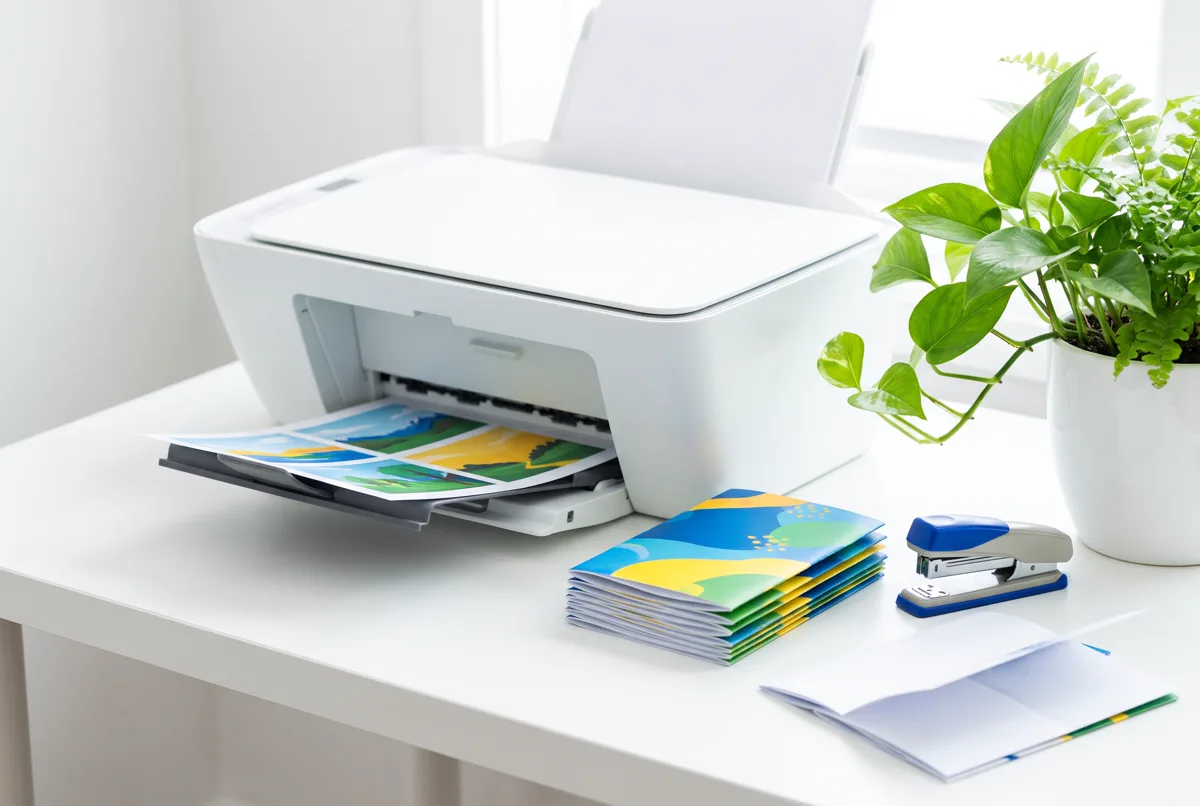
How to print a PDF book step by step
The names may vary a little depending on the program, but the process for printing a PDF book is almost always this:
- Open the PDF in your reader and click Print.
- Choose your printer and check that the paper size is set to A4.
- In the section for page size and handling, select "Booklet".
- Under "Booklet subset" (or similar), leave "Both sides" selected if your printer prints double-sided automatically.
- Under "Binding", choose left, which is the usual choice for text that reads left to right, like Spanish or English.
- The orientation will switch to landscape on its own. Check the preview: you should see two pages side by side on each sheet.
- If the printer asks how to flip the paper, choose short edge. This is the most common mistake: if you choose the long edge, the back sides will come out upside down.
- Print, and before folding anything, check the first sheet.
If your printer prints double-sided on its own
This is the most convenient case. With "Both sides" and flipping on the short edge, the printer delivers the sheets ready to fold. You just take the stack as it comes out, without reordering it.
If you have to turn the sheets over by hand
Many home printers do not have automatic double-sided printing. In that case:
- Under "Booklet subset", choose "Front side only" and print.
- Pick up the stack without shuffling it and note how the first page came out.
- Put the sheets back in the tray, turned over. The correct orientation depends on each printer, so make a pencil mark in one corner of the first sheet before you begin: it will help you see which way it goes.
- Choose "Back side only" and print.
If you want to be sure about this step, the article on how to print double-sided at home without making mistakes explains the pencil-mark trick calmly.
If what you want to print is a planner, a simple option is to do it straight from the Canvartin: Planner and Appointments app, which lets you print A4 planners from your phone, blank or already filled in with your details (it is a Premium feature that can also be earned as a reward).
How many pages you need: the rule of 4
Since each sheet carries four pages, a booklet always has a number of pages that is a multiple of 4. If your PDF has, say, 18 pages, the program will add two blank ones at the end to reach 20. It is not a problem, but it is good to know so it does not catch you by surprise.
| PDF pages | Booklet pages | A4 sheets used |
|---|---|---|
| 8 | 8 | 2 |
| 10 | 12 (2 blank) | 3 |
| 16 | 16 | 4 |
| 18 | 20 (2 blank) | 5 |
| 32 | 32 | 8 |
| 50 | 52 (2 blank) | 13 |
If you would rather not have the blank pages at the end, for example because you want a back cover with an image, add them yourself in the PDF wherever suits you before printing: the result will look more polished.
How to print a long book: split it into booklets
With a regular stapler you can comfortably close about 10 to 12 folded sheets, that is, about 40 to 48 pages. Beyond that the booklet gets bulky, is hard to fold and the staples do not go through properly. If you want to print a 100 or 200-page PDF as a book, the practical approach is to split it into several smaller booklets and then join them together.
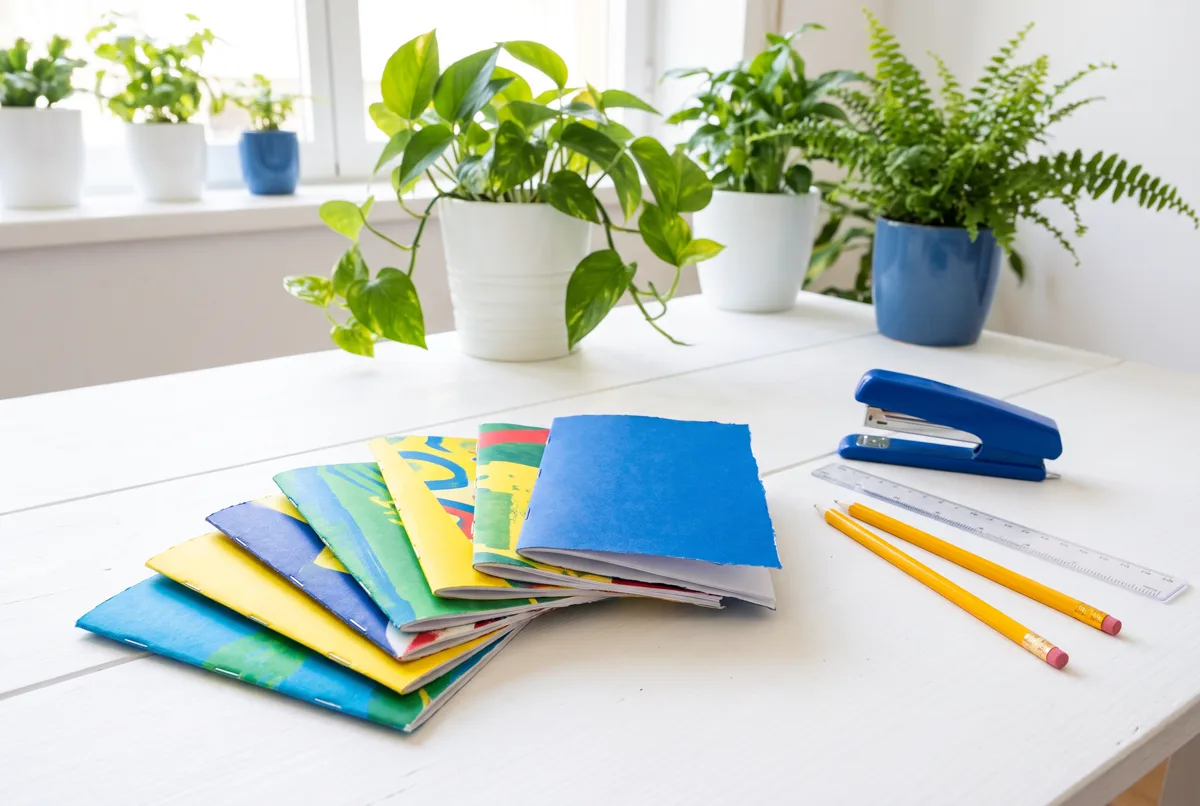
- Decide the size of each booklet. The usual choice is 4 or 5 sheets, that is, 16 or 20 pages.
- In the print window, in the page range, type the first block: 1-16.
- Turn on "Booklet" and print. Repeat with 17-32, 33-48 and so on until the end.
- Fold each booklet separately and stack them in order.
- Join them along the spine by sewing them, gluing them or using a simple binding.
Some readers have an option to do this in one go, called "Sheets from/to" or similar within booklet mode, which splits the document into blocks automatically. If you have it, make use of it. For the finishing, the ideas in how to bind a book by hand will help or, if you want something quicker, those in how to bind loose sheets at home without a machine.
Folding and stacking booklets is one of those small, repetitive tasks that, with a bit of music and no rush, can even be relaxing.
Common mistakes and how to avoid them
- The back pages come out upside down. You chose to flip on the long edge. Change it to the short edge.
- You get two pages per sheet, but in the order 1-2, 3-4. You used "Multiple pages per sheet" instead of "Booklet". They look the same in the preview, but only the booklet option reorders the pages correctly.
- The text is very small. That is normal: an A4 page is reduced to A5. If the PDF has small print, consider printing it on A3 and folding it (if your printer supports it) or increasing the font size in the original document before exporting it.
- The inner margins swallow the text. This happens with documents that have no margins. If you can edit the original, leave at least 1.5 cm on the spine side.
- The inner sheets stick out when folded. This is called creep, and it is more noticeable the more sheets the booklet has. You fix it by trimming the edge with a ruler and a utility knife.
And if you print from your phone
From a phone, the booklet option is usually limited or does not appear. If that is your case, open the PDF on a computer or check whether your printer's app has a booklet mode. For the basics of sending documents from your phone, the guide on how to print from your phone step by step can help.
How to fold, staple and finish
The last step is the one that makes your booklet look lovingly made instead of improvised.

- Gather the sheets in the order they came out and tap them gently against the table to even out the edges.
- Fold them all together in half, matching up the corners. If there are many, fold each sheet separately first and then nest them inside one another.
- Crease the fold well by running a ruler or the handle of a spoon along it.
- Staple along the spine: two staples for A5, about 5 or 6 cm from each end.
- Trim the edge if the inner sheets stick out.
If your stapler does not reach the centre of the spine, open it all the way, place the booklet open and face down on a large eraser or a piece of cork, push the staple through and then bend the prongs flat on the inside with your finger or a spoon. It holds just as firmly.
For a sturdier cover, print the first and last sheets on thicker paper, or cover the front and back with clear adhesive plastic film if the booklet is going to get a lot of use, like a kitchen recipe book.
Ideas for using this technique at home
- Family recipe book: gather the old favourite recipes in one PDF and make a booklet for each member of the family.
- Manuals and instructions: the ones that come as PDFs take up much less space in A5 and are easier to keep in a drawer.
- Children's stories and tales: they can draw the illustrations on the blank pages.
- Notes and study material: the A5 format is easier to carry in a bag.
- Diaries and budget notebooks: a monthly booklet for noting down expenses or appointments, which you can redo every month.
Frequently asked questions
What size is a booklet printed on A4?
When you fold an A4 sheet in half, each page ends up as A5, about 14.8 x 21 cm, the size of a large pocket book.
Can you print as a book without a double-sided printer?
Yes. First print "Front side only", turn the stack over and then print "Back side only". Do a test with two sheets first.
Why does my booklet have blank pages at the end?
Because the number of pages must be a multiple of 4 and the program fills in the missing ones. You can place them yourself wherever you prefer before printing.
How many sheets can I staple in a booklet?
With a regular stapler, about 10 to 12 folded sheets. For longer documents, split the PDF into several booklets and join them afterwards.
What do I do if I cannot find the "Booklet" option?
Look for it in the printer's properties or preferences, or open the PDF with another free desktop reader, since most of them include it.